
Raster PDF
pdf(pageSize:margins:anchor:background:maxEffectiveDPI:metadata:) is a raster-document encoder. The evaluated pixels are embedded as an image on one Cairo page. Text drawn into the pipeline has already become pixels, so it is not selectable, and an input PDF that is rasterised and written again loses its vector content, links and structure. For text that stays text, use vector documents.
| Parameter | Type | Default | Notes |
|---|---|---|---|
pageSize |
PDFPageSize |
.image() |
.image(dpi:) (default 72), .a4(_ orientation), .letter(_ orientation), .points(width:height:). |
margins |
PDFMargins |
.none |
Points: PDFMargins(top:leading:bottom:trailing:) or .all(_). |
anchor |
Gravity |
.center |
Where the aspect-fitted raster sits within the margins. |
background |
Color? |
nil |
Fills the page behind the raster. nil leaves the page unpainted and transparent pixels stay transparent; use .white for print. |
maxEffectiveDPI |
Double? |
nil |
If the raster’s effective resolution on the page exceeds it, it is downsampled (Lanczos) before embedding. Off by default: Hokusai never resamples because a page has a physical size. |
metadata |
PDFDocumentMetadata? |
nil |
title, author, subject, keywords, creator, creationDate, modificationDate. Nothing is copied from the image’s EXIF, XMP or IPTC. |
let image = try Hokusai(url: URL(fileURLWithPath: "scene.png")).resize(width: 800)
func describe(_ name: String, _ info: OutputInfo) {    let page = info.pdf.map { "\($0.pageCount) page, \(Int($0.pageWidth.rounded())) × \(Int($0.pageHeight.rounded())) pt" } ?? "?"    print(name, "→", page, info.byteCount, "bytes")}
// Page sized from the raster: 800 px at 72 dpi is 800 pt; at 150 dpi it is 384 pt.describe("image", try await image.pdf().write(to: URL(fileURLWithPath: "image.pdf")))describe("image-150dpi", try await image.pdf(pageSize: .image(dpi: 150)).write(to: URL(fileURLWithPath: "image-150dpi.pdf")))
// Fixed paper: the raster is fitted inside the margins and anchored (centred by default).describe("a4", try await image.pdf(pageSize: .a4(), margins: .all(36), background: .white)    .write(to: URL(fileURLWithPath: "a4.pdf")))describe("letter-landscape", try await image.pdf(pageSize: .letter(.landscape), margins: .all(24), anchor: .north,                                               background: Color(red: 0.97, green: 0.95, blue: 0.9),                                               metadata: PDFDocumentMetadata(title: "Pharos Point", author: "Docs"))    .write(to: URL(fileURLWithPath: "letter-landscape.pdf")))
.image()PDF · 800 × 500 · 184 KB 
.a4(), margins 36PDF · 595 × 842 · 184 KB 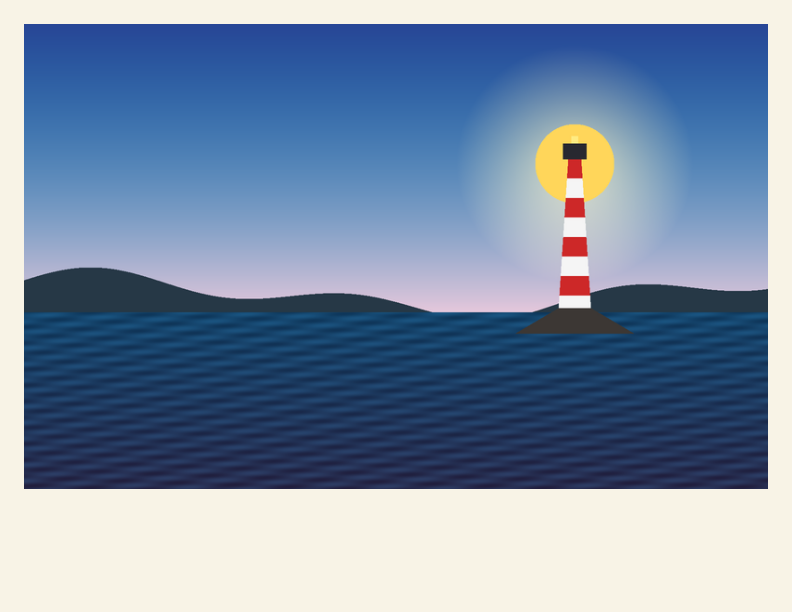
.letter(.landscape), .northPDF · 792 × 612 · 185 KB
The program printed the page facts from OutputInfo.pdf:
| Call | Page (points) | File size |
|---|---|---|
pdf() on 800 px |
800 × 500 (72 dpi) | 188,866 bytes |
pdf(pageSize: .image(dpi: 150)) |
384 × 240 | 188,866 bytes |
pdf(pageSize: .a4(), margins: .all(36), background: .white) |
595 × 842 | 188,921 bytes |
pdf(pageSize: .letter(.landscape), …) |
792 × 612 | 188,933 bytes |
The page size changes the page, not the embedded raster: the file size stays almost the same. A fixed paper size carries no resolution; the raster’s effective DPI follows from its pixel size and the area it is placed in. Resize the image to the resolution you need before pdf() (for 150 dpi on A4 that is about 1240 px wide), or set maxEffectiveDPI.
Output and errors
Section titled “Output and errors”write(to:) writes the file directly as Cairo produces it; data() collects the same writer’s bytes. OutputInfo.pdf reports pageCount, pageWidth and pageHeight.
| Call | Result |
|---|---|
.image(dpi: 0) |
invalidOption(name: "pageSize.dpi", …"must be a finite value greater than zero") |
| An invalid margin, DPI limit or page size | invalidOption, thrown when pdf is called |
| PDF output support | PDF output uses Cairo and is independent of PDF input support; capabilities().outputFormats lists what this build can write |