
Rotate, flip & affine
These operations move pixels around without changing their colour: autoOrient applies the orientation a camera recorded, rotate turns the image by any angle, flip and flop mirror it, and affine applies a general 2 × 2 transform.
autoOrient
Section titled “autoOrient”Cameras often store pixels sideways and record, in an EXIF tag, how to turn them for display. autoOrient() applies that tag to the pixels, so later operations and every viewer see the upright image. The sample phone.jpg is stored as 1000 × 1600 pixels with orientation 6.
// phone.jpg is stored as 1000 × 1600 pixels with EXIF orientation 6 ("rotate to view").let phone = try Hokusai(url: URL(fileURLWithPath: "phone.jpg"))
// Dropping the orientation tag shows the pixels exactly as stored (browsers would// otherwise apply the tag and display the stored image upright).let stored = try await phone.jpeg().metadataPolicy(.removeAll).data()let upright = try await phone.autoOrient().jpeg().data()        // orientation appliedprint("stored:", stored.info.width, "×", stored.info.height,      " upright:", upright.info.width, "×", upright.info.height)
try stored.data.write(to: URL(fileURLWithPath: "stored.jpg"))try upright.data.write(to: URL(fileURLWithPath: "upright.jpg"))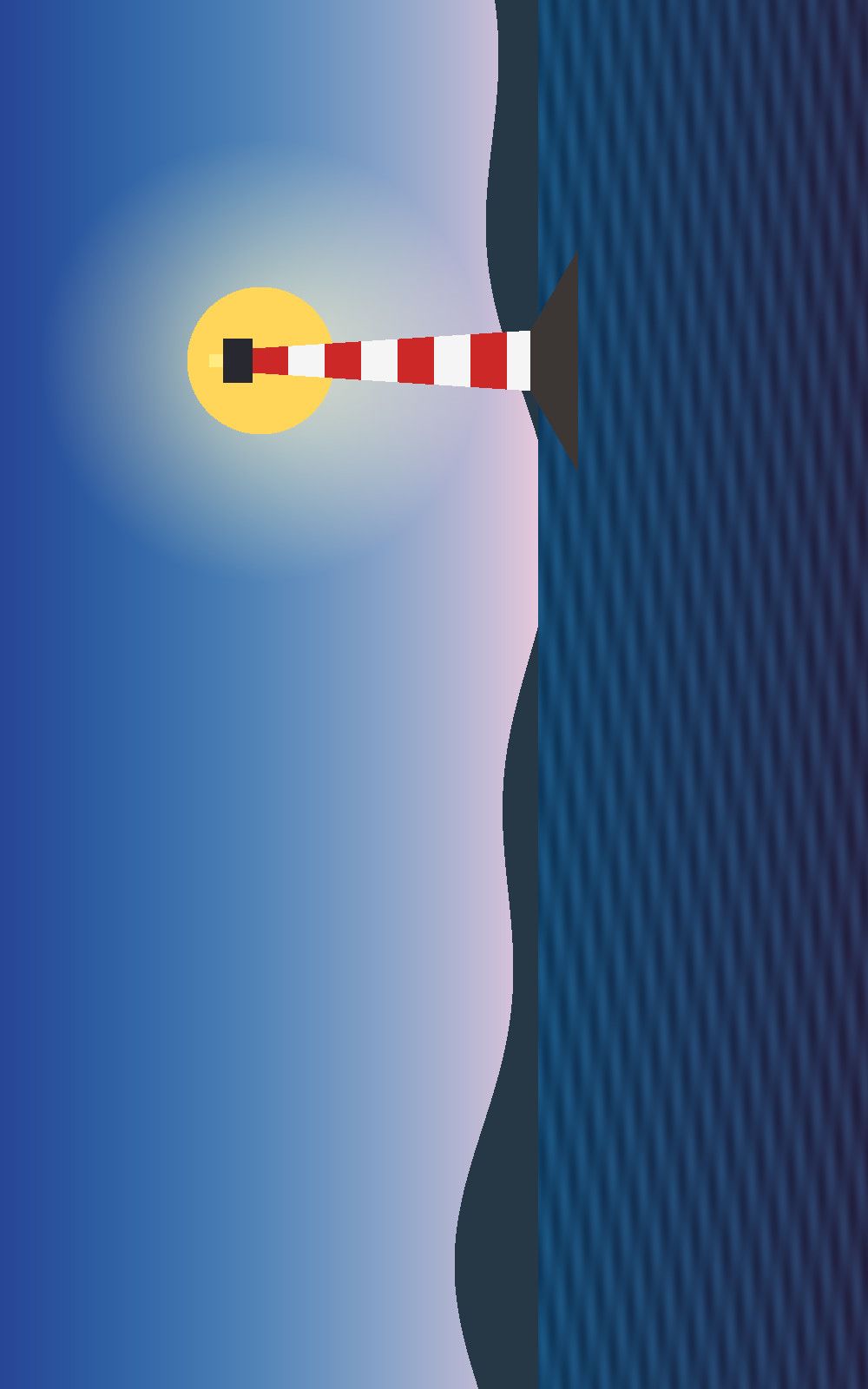
as storedJPEG · 1000 × 1600 · 81 KB 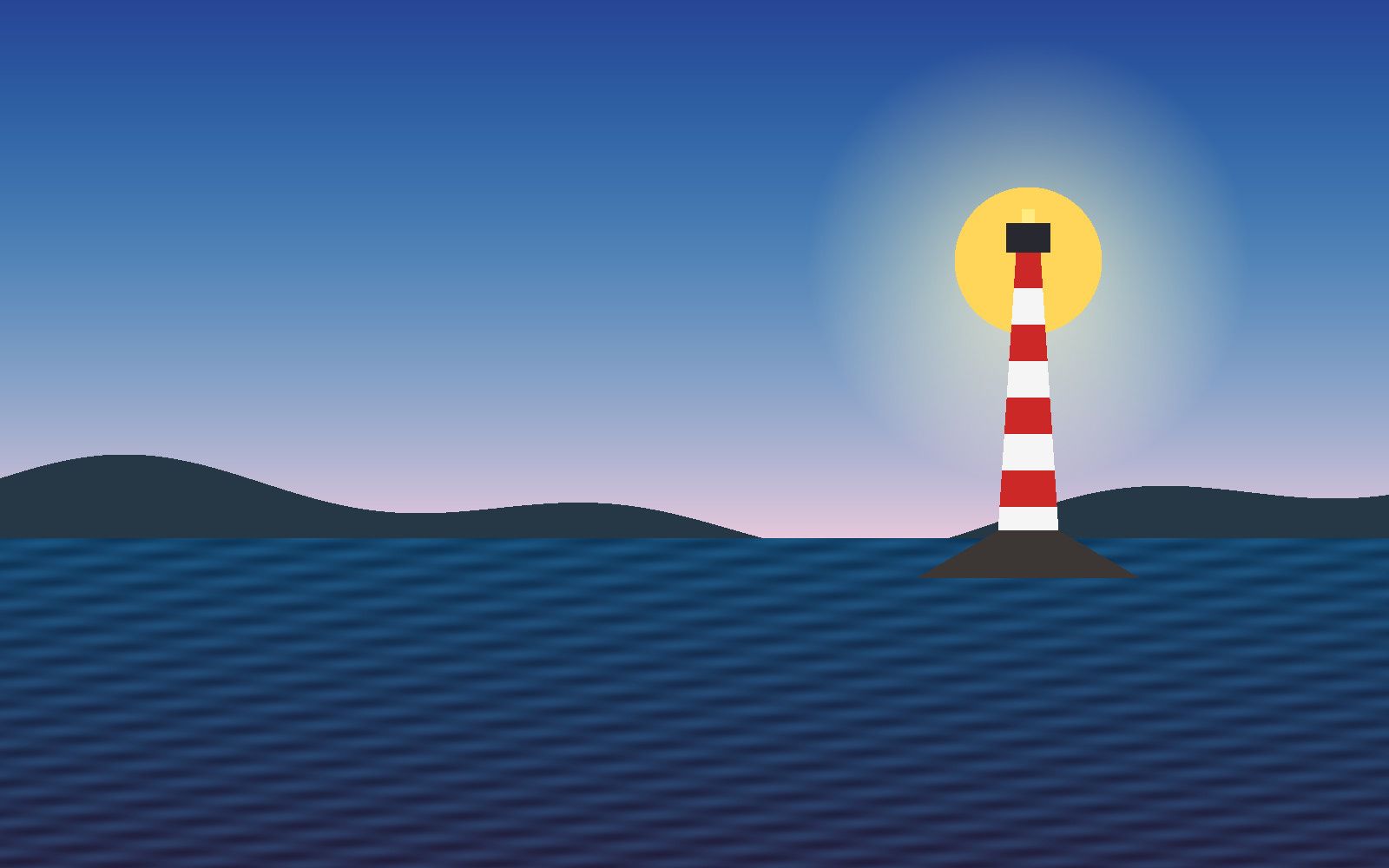
autoOrient()JPEG · 1600 × 1000 · 76 KB
Without autoOrient(), resize(width: 800) of this photo would size the stored width, which is the short side of the picture. Put it before resize (and before extract, smartCrop or anything else that depends on width and height). It does nothing for an image that has no orientation tag or whose orientation is already “up”. Whether the output keeps an orientation tag is a separate decision, made by the metadata policy: by default the orientation tag is kept, removeAll drops it without touching the pixels (above, that is why as stored shows the sideways pixels).
rotate
Section titled “rotate”rotate(by:background:interpolation:) turns the image clockwise by degrees (finite, any sign).
| Parameter | Type | Default | Notes |
|---|---|---|---|
by |
Double |
required | Degrees, clockwise. A non-finite value throws invalidOption. |
background |
Color |
.transparent |
Fills the corners a non-right-angle rotation exposes. |
interpolation |
Interpolation |
.bilinear |
.nearest, .bilinear, .bicubic, .lbb, .nohalo, .vsqbs. |
let image = try Hokusai(url: URL(fileURLWithPath: "emblem.png")).resize(width: 200)let paper = Color(red: 0.96, green: 0.94, blue: 0.88)
// Right angles are exact: width and height swap, no resampling.let quarter = try await image.rotate(by: 90).png().data()print("90°:", quarter.info.width, "×", quarter.info.height)
// Any other angle resamples and grows the canvas; the corners are filled with `background`.let tilted = try await image.rotate(by: 30, background: paper).png().data()print("30°:", tilted.info.width, "×", tilted.info.height)
try quarter.data.write(to: URL(fileURLWithPath: "rotate-90.png"))try tilted.data.write(to: URL(fileURLWithPath: "rotate-30.png"))try await image.rotate(by: 30).png().write(to: URL(fileURLWithPath: "rotate-30-transparent.png"))
90°PNG · 200 × 200 · 9 KB 
30°, paper backgroundPNG · 273 × 273 · 23 KB 
30°, defaultPNG · 273 × 273 · 19 KB
Exact right angles are lossless: width and height swap and no pixel is resampled. Any other angle resamples with interpolation and grows the canvas to hold the rotated image (200 × 200 at 30° becomes 273 × 273). Use .nearest for pixel art and the default otherwise. For camera orientation use autoOrient(), not rotate.
flip and flop
Section titled “flip and flop”flip() mirrors top to bottom; flop() mirrors left to right. Both are exact and take no options.
let image = try Hokusai(url: URL(fileURLWithPath: "scene.png")).resize(width: 360)
try await image.flip().png().write(to: URL(fileURLWithPath: "flip.png"))   // top ↔ bottomtry await image.flop().png().write(to: URL(fileURLWithPath: "flop.png"))   // left ↔ right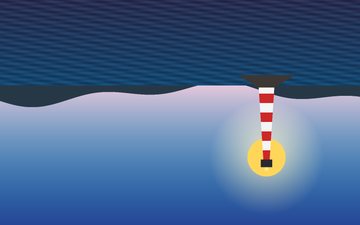
flip()PNG · 360 × 225 · 58 KB 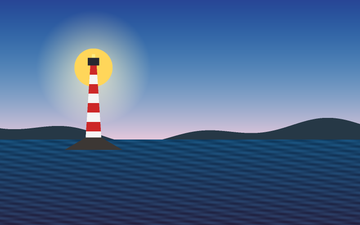
flop()PNG · 360 × 225 · 58 KB
affine
Section titled “affine”affine(_:inputOffset:outputOffset:outputArea:edges:interpolation:) applies x' = a·x + b·y, y' = c·x + d·y from an AffineMatrix(a:b:c:d:). inputOffset and outputOffset (AffineOffset) shift before and after the matrix, outputArea (AffineArea(x:y:width:height:)) crops the result, and edges (an ExtendMode, default transparent) fills what maps from outside the source. The matrix must be invertible (a·d − b·c ≠ 0) and all values finite and of reasonable size, or invalidOption is thrown.
let image = try Hokusai(url: URL(fileURLWithPath: "emblem.png")).resize(width: 200)let paper = Color(red: 0.96, green: 0.94, blue: 0.88)
// x' = a·x + b·y, y' = c·x + d·y. A shear leans the image; the output grows to fit.try await image    .affine(AffineMatrix(a: 1, b: 0.4, c: 0, d: 1), edges: .background(paper))    .png().write(to: URL(fileURLWithPath: "shear.png"))
// A non-uniform scale, then `outputArea` crops the result.try await image    .affine(AffineMatrix(a: 1.6, b: 0, c: 0, d: 0.6),            outputArea: AffineArea(x: 0, y: 0, width: 260, height: 100),            edges: .background(paper))    .png().write(to: URL(fileURLWithPath: "scale-crop.png"))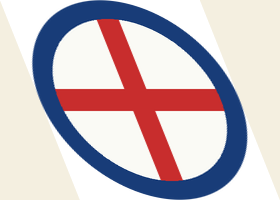
shear b: 0.4PNG · 280 × 200 · 15 KB 
scale + outputAreaPNG · 260 × 100 · 7 KB
Order and combinations
Section titled “Order and combinations”autoOrient()first, then size-dependent operations (Orientation and resize).- Rotating by a non-right angle enlarges the canvas, so a following
extractorresizesees the larger size. - A rotated image has transparent corners; encoding to JPEG, which has no alpha, needs a
flattenfirst (Transparency).