
Encoders
An encoder chooses the output format and its settings. Each has a short form with the common options and an options: form that takes the full options struct; both end in the same encode(using:). PDF is covered in PDF. What your installation can write is reported by Hokusai.capabilities().outputFormats and hokusai info.
let image = try Hokusai(url: URL(fileURLWithPath: "scene.png")).resize(width: 800)
let encoders: [(String, Hokusai)] = [    ("converted.jpg", try image.jpeg(quality: 80)),    ("converted.png", try image.png()),    ("converted.webp", try image.webp(quality: 80)),    ("converted-lossless.webp", try image.webp(lossless: true)),    ("converted.avif", try image.avif(quality: 50)),    ("converted.tiff", try image.tiff(compression: .deflate)),    ("converted.gif", try image.gif()),]for (name, encoder) in encoders {    let info = try await encoder.write(to: URL(fileURLWithPath: name))    print(name, "→", info.format.rawValue, info.byteCount, "bytes")}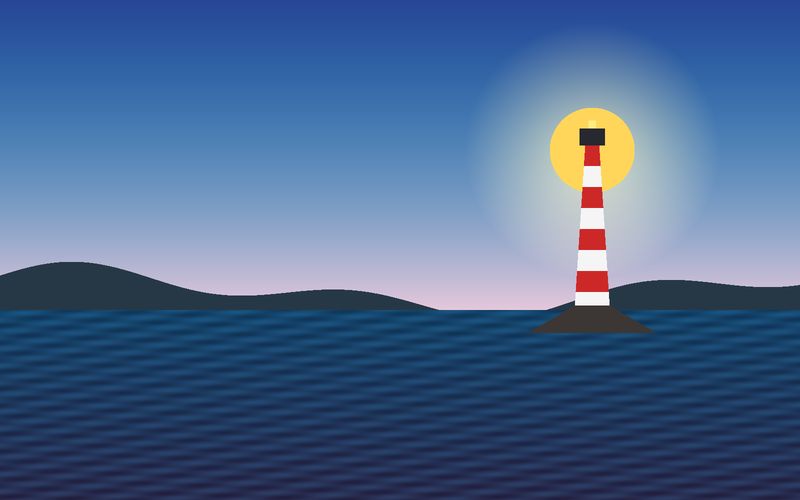
JPEG q80JPEG · 800 × 500 · 27 KB 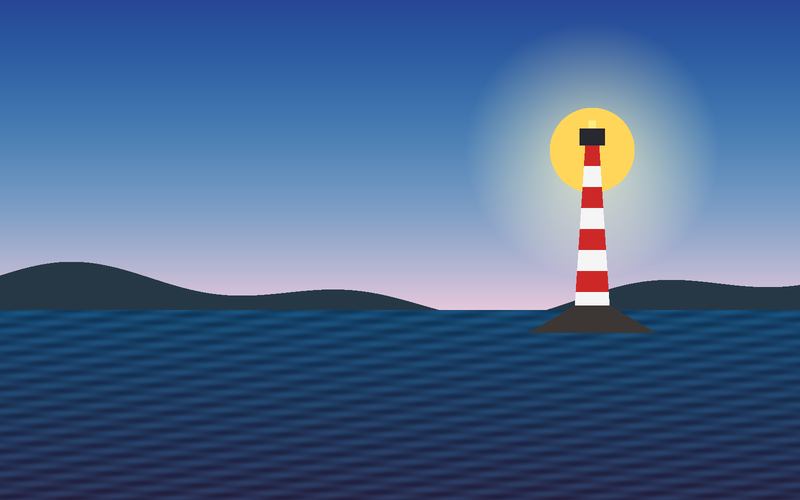
PNGPNG · 800 × 500 · 184 KB 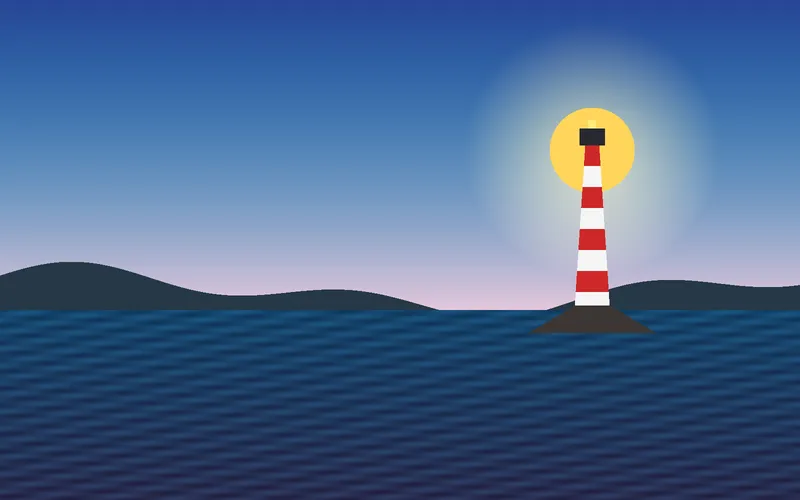
WebP q80WEBP · 800 × 500 · 12 KB 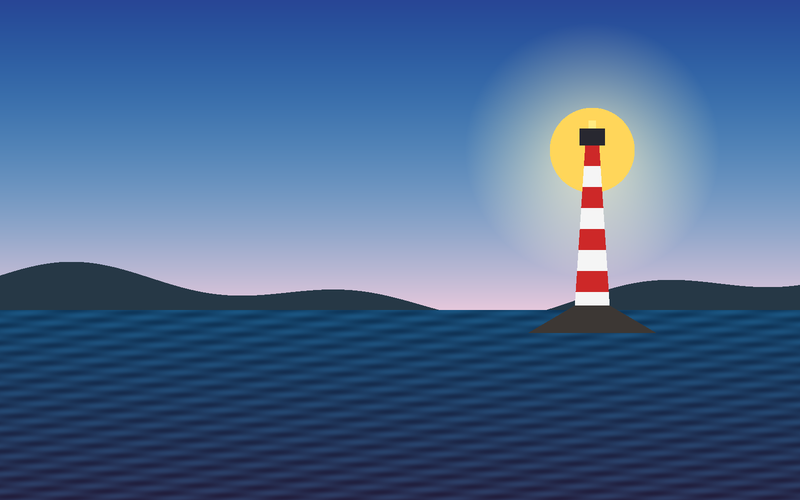
WebP losslessWEBP · 800 × 500 · 107 KB 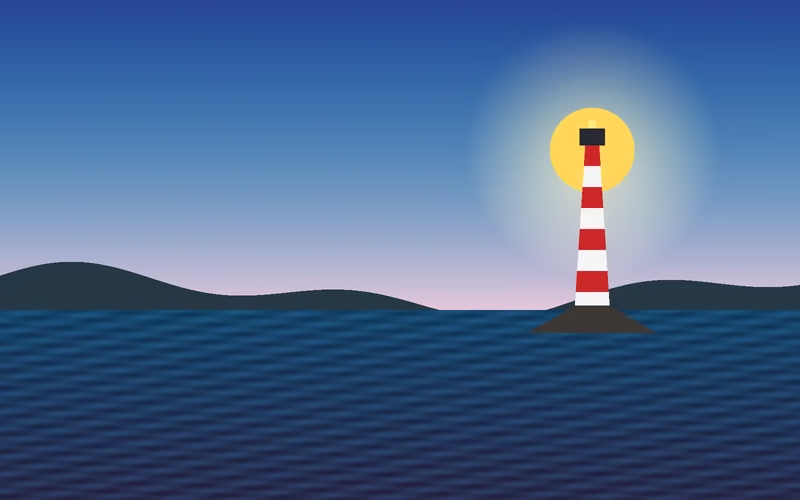
AVIF q50AVIF · 800 × 500 · 6 KB 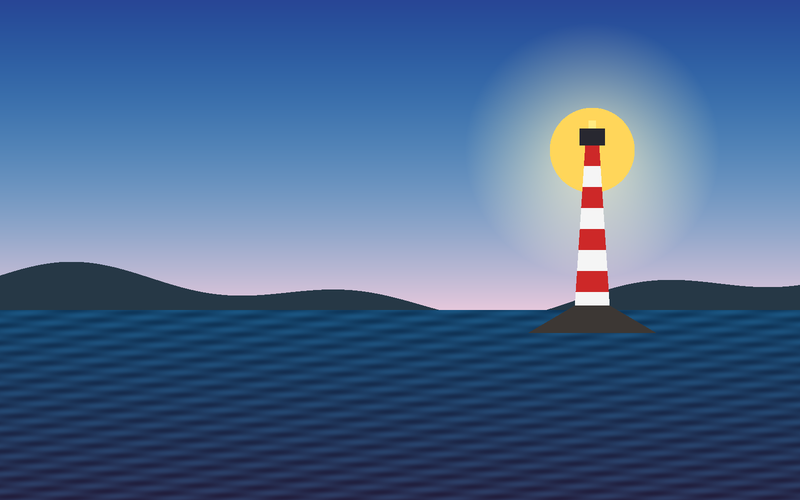
TIFF deflateTIFF · 800 × 500 · 130 KB 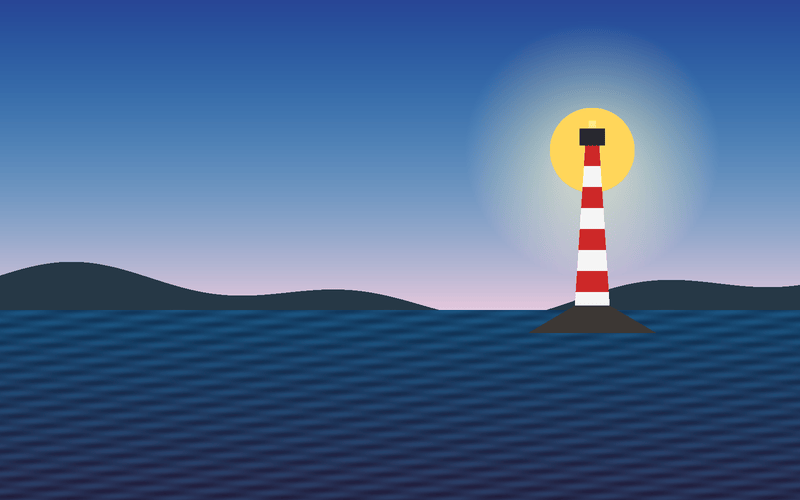
GIFGIF · 800 × 500 · 66 KB
The same 800 × 500 image in every format: JPEG 27.3 KB, PNG 188.9 KB, WebP 12.0 KB (109.3 KB lossless), AVIF 5.6 KB, TIFF 133.0 KB, GIF 68.0 KB. These are measurements for this synthetic image on this libvips; your photographs will differ, so measure your own.
Options and bounds
Section titled “Options and bounds”| Encoder | Short form (defaults) | Full options | Bounds |
|---|---|---|---|
jpeg |
quality: 80, progressive: false |
JPEGOptions: quality, progressive, chromaSubsampling (.automatic, .yuv420, .yuv444), optimizeCoding |
quality 1…100 |
png |
compressionLevel: 6, interlaced: false |
PNGOptions: compressionLevel, interlaced, palette: PNGPalette? |
level 0…9; palette quality 0…100, dither 0…1, effort 1…10, bitDepth 1, 2, 4 or 8 |
webp |
quality: 80, effort: 4, lossless: false |
WebPOptions: adds alphaQuality, nearLossless, smartSubsample, preset (.default, .picture, .photo, .drawing, .icon, .text) |
quality 1…100, effort 0…6, alphaQuality 0…100 |
avif |
quality: 50, effort: 4, lossless: false |
AVIFOptions: adds bitDepth (.eight, .ten, .twelve), chromaSubsampling |
quality 1…100, effort 0…9 |
heif |
compression: .hevc, quality: 50, lossless: false |
HEIFOptions: compression (.hevc, .av1), quality, effort, lossless, bitDepth, chromaSubsampling |
quality 1…100, effort 0…9 |
tiff |
compression: .none, quality: 75 |
TIFFOptions: compression (.none, .jpeg, .deflate, .packBits, .ccittFax4, .lzw, .webp, .zstd, .jpeg2000), predictor, tiling: TIFFTiling?, bigTIFF |
quality 1…100; tile 16…32768, multiples of 16 |
gif |
GIFOptions() |
dither, effort, bitDepth, interlaced (still, single frame) |
dither 0…1, effort 1…10, bitDepth 1…8 |
Out-of-range values throw HokusaiError.invalidOption when the encoder is selected. AVIF always encodes AV1, never the HEVC libvips would pick by default; OutputInfo.format names the format actually written. heif with .hevc is often unavailable in a libvips build (capabilities().heifCompressions).
Quality and size
Section titled “Quality and size”Quality is not comparable between formats, and the byte cost of each step differs. A 380 × 380 close-up of the lighthouse, encoded at three qualities:
// A close-up of the lighthouse, where compression artefacts show.let detail = try Hokusai(url: URL(fileURLWithPath: "scene.png"))    .extract(x: 1000, y: 120, width: 380, height: 380)
for quality in [10, 40, 85] {    let jpeg = try await detail.jpeg(quality: quality).data()    let webp = try await detail.webp(quality: quality).data()    print("quality", quality, "→ jpeg", jpeg.info.byteCount, "webp", webp.info.byteCount)    try jpeg.data.write(to: URL(fileURLWithPath: "q\(quality).jpg"))    try webp.data.write(to: URL(fileURLWithPath: "q\(quality).webp"))}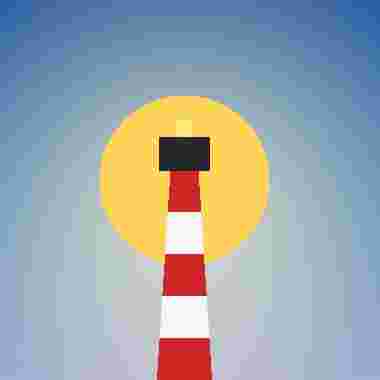
JPEG 10 · 3.7 KBJPEG · 380 × 380 · 4 KB 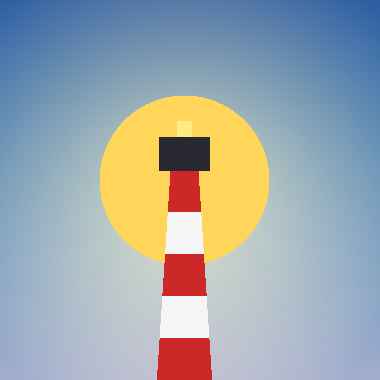
JPEG 40 · 5.5 KBJPEG · 380 × 380 · 5 KB 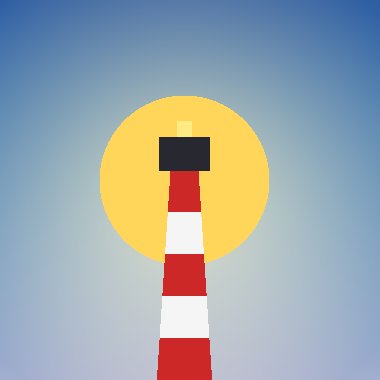
JPEG 85 · 9.7 KBJPEG · 380 × 380 · 9 KB 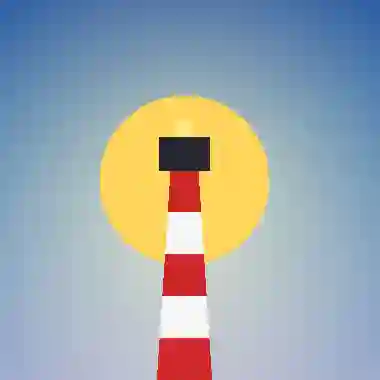
WebP 10 · 1.4 KBWEBP · 380 × 380 · 1 KB 
WebP 40 · 2.0 KBWEBP · 380 × 380 · 2 KB 
WebP 85 · 3.7 KBWEBP · 380 × 380 · 4 KB
| Quality | JPEG bytes | WebP bytes |
|---|---|---|
| 10 | 3,663 | 1,436 |
| 40 | 5,536 | 1,990 |
| 85 | 9,682 | 3,662 |
For photographs, start at JPEG 80 to 85 or WebP 80 and compare on your own images.
PNG is lossless; compressionLevel trades time for size, and palette (indexed colour) trades colours for size.
let image = try Hokusai(url: URL(fileURLWithPath: "emblem.png"))
for (name, options) in [    ("level-1", PNGOptions(compressionLevel: 1)),    ("level-9", PNGOptions(compressionLevel: 9)),    ("palette", PNGOptions(palette: PNGPalette(bitDepth: 4))),] {    let output = try await image.png(options: options).data()    print(name, "→", output.info.byteCount, "bytes")    try output.data.write(to: URL(fileURLWithPath: "\(name).png"))}
level 1 · 12.6 KBPNG · 400 × 400 · 12 KB 
level 9 · 6.2 KBPNG · 400 × 400 · 6 KB 
4-bit palette · 3.8 KBPNG · 400 × 400 · 4 KB
Palette output needs libimagequant or quantizr in the libvips build (capabilities().pngPalette); without them libvips would silently write full colour, so Hokusai reports it instead. It is opt-in because it changes the colour representation and takes longer.
Formats without alpha
Section titled “Formats without alpha”JPEG cannot store alpha. A transparent image encoded as JPEG without flatten has its transparent corners turned black (observed with libvips 8.18):
let emblem = try Hokusai(url: URL(fileURLWithPath: "emblem.png")).resize(width: 200)
// JPEG has no alpha. Without flatten, the encoder decides what the transparent corners become.try await emblem.jpeg().write(to: URL(fileURLWithPath: "unflattened.jpg"))// With flatten, you choose.try await emblem.flatten(background: .white).jpeg().write(to: URL(fileURLWithPath: "flattened.jpg"))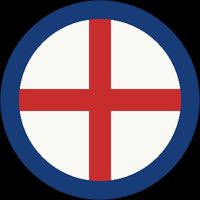
no flattenJPEG · 200 × 200 · 7 KB 
flatten(.white)JPEG · 200 × 200 · 8 KB
Flatten onto a colour you choose (Channels & alpha).